Inspector
Scan a Cubase Template
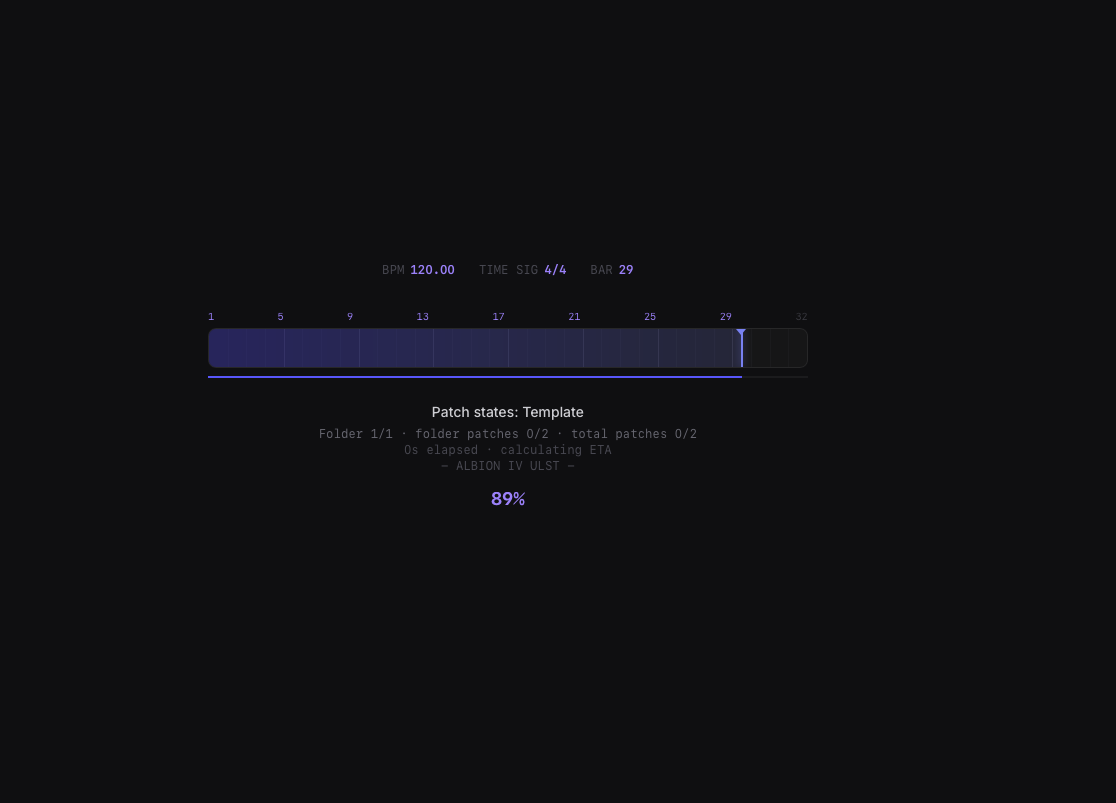
Start with a scan-only pass. Inspector reads track structure, folders, names, colors, routing, plugins, and library clues so you can review the template before editing.
Before You Scan
Use a copy or export for the first scan. OrcheStruct is designed around inspection and export, but launch users should learn the workflow on a safe file first.
- Cubase XML exports are the clearest launch path.
- Large master templates can take several minutes on first scan.
- Subsequent loads can be faster because cache data is available.
Scan Workflow
The first scan is not about fixing everything. It is about getting a trustworthy map of the template.
Open Inspector.
Choose the Cubase XML or supported template file.
Start the scan and let it finish.
Review the summary and visible track tree.
Check a few known tracks to verify family, vendor, product, patch, and routing clues look plausible.
Reading Confidence
A high-confidence row has enough evidence for OrcheStruct to explain what it thinks the track is. A lower-confidence row is not necessarily wrong; it may simply need a clearer name, prefix, product link, or patch clue.