Inspector
Review and Edit Template Structure
Inspector is the review desk: use it to understand the template, correct bad assumptions, and prepare changes before saving.
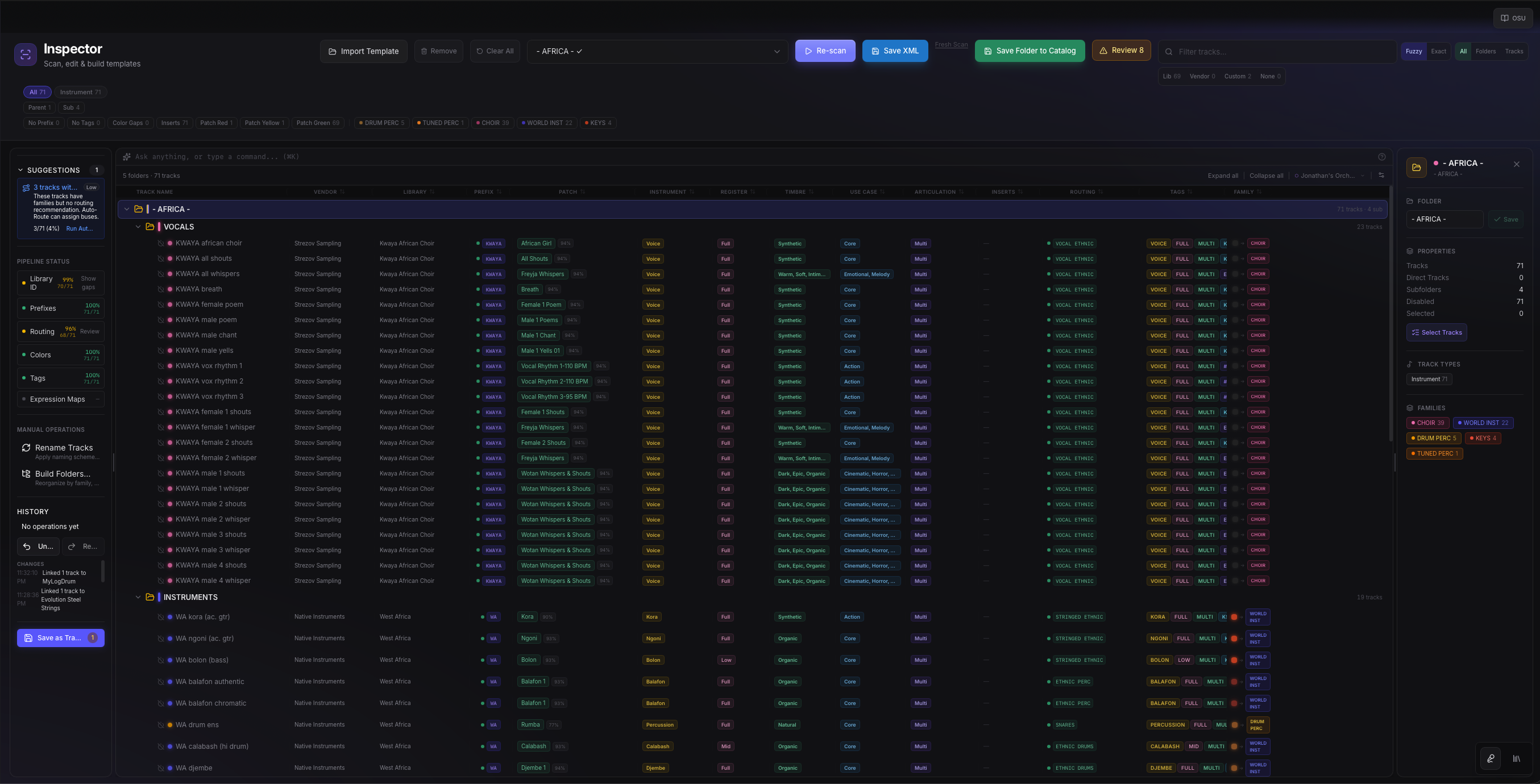
What To Review First
Start with structural decisions before detailed patch cleanup. If family, folder, and routing are wrong, downstream naming and catalog decisions will be noisier.
- Family: strings, brass, winds, percussion, keys, synths, guitars, FX, hybrid, and related groups.
- Folder: where the track belongs in the template hierarchy.
- Routing: the bus or stem target the track should use.
- Name: the visible DAW name composers rely on under deadline.
- Library identity: vendor, product, engine, patch, and articulation clues.
Correction Pattern
Treat corrections as teaching moments for the system. A good correction should be specific enough to help the current track and future similar tracks.
Filter to a small problem set.
Open a representative track.
Correct the strongest known field first, usually family, prefix, or product.
Review the suggested downstream changes.
Apply in batches only after the sample row looks right.
Avoid Over-Correcting
Do not force weak library guesses just to make the table look green. It is better to leave a row reviewable than to commit the wrong vendor or product identity.